How to send a fax with sendfax.to
Updated: 12/10/2025
Article #: 183
1. Open your Gmail.
2. Compose a new email.
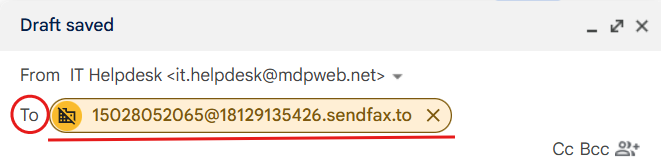
3. In the To line, enter the fax number (with a 1) @ your fax number (also with a 1) .sendfax.to for example:
-I'm sending TO fax number 502-805-2065
-I'm sending FROM fax number 812-913-5426
so:
4. The body of the email will act as a cover sheet.
5. Attach the document you are trying to fax as a PDF, PNG, JPG, IMG, or DOC file.
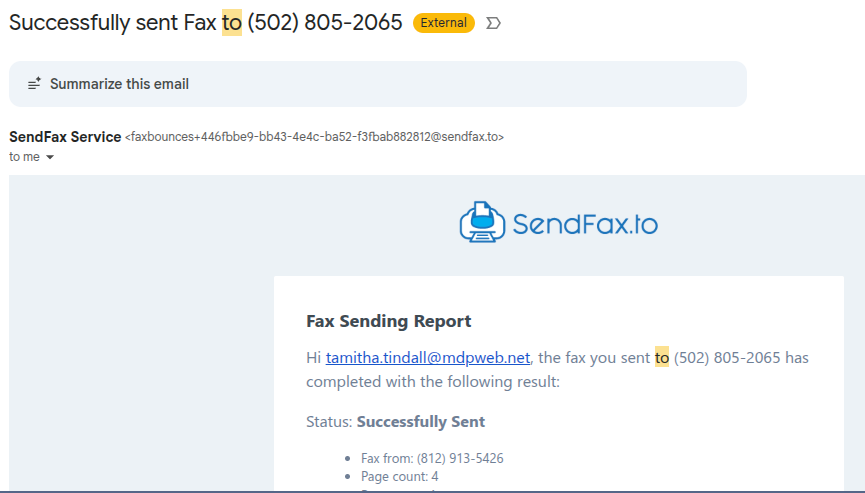
6. Send the e-mail and you're done! You should get a confirmation email letting you know the fax was successfully sent:
|
Rate this Topic:
|
|||
|
